
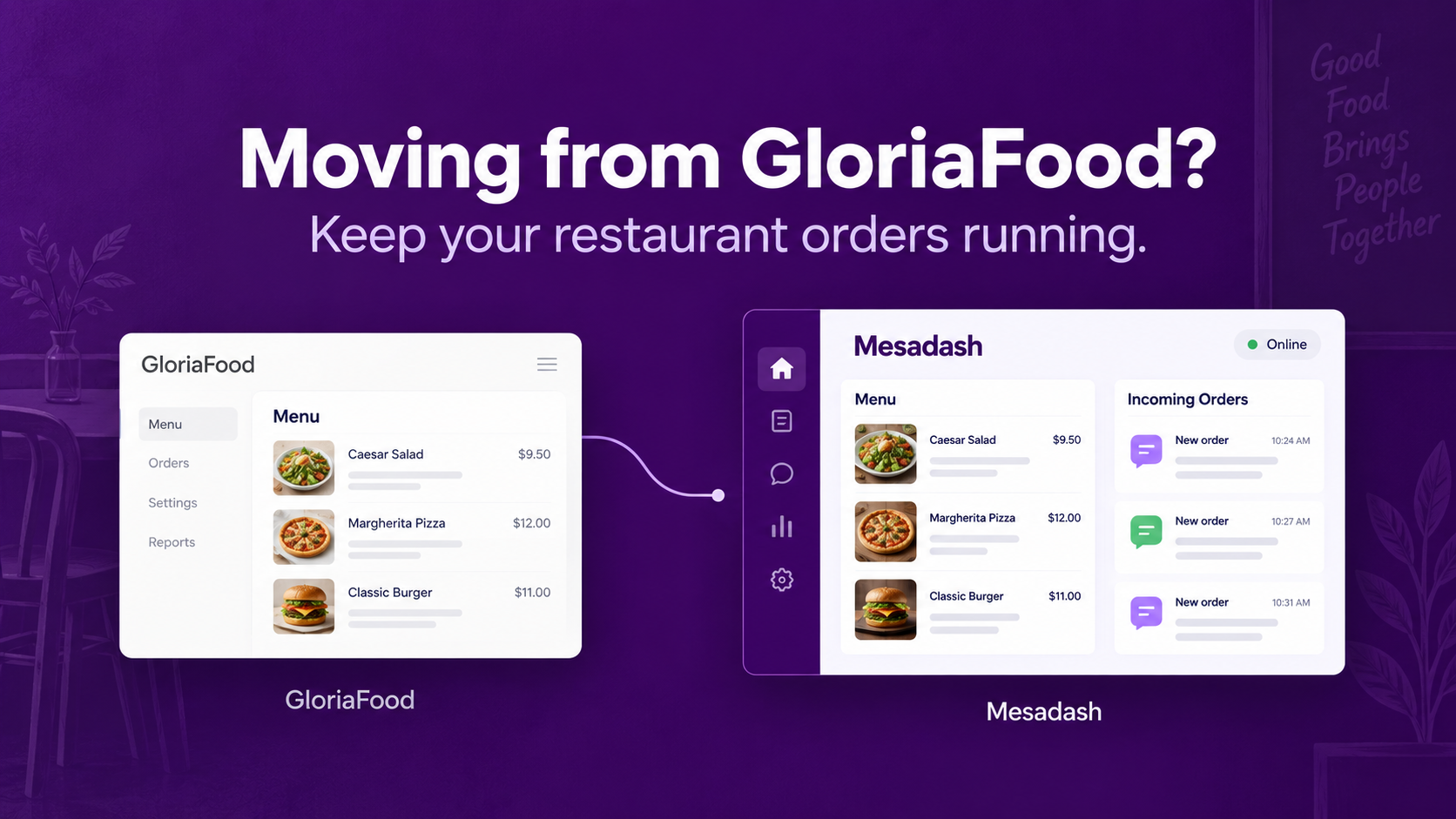
If your restaurant takes orders through GloriaFood, you have time to move carefully—but you do need a plan. GloriaFood says its service will reach end of life on April 30, 2027, and says existing customers will be supported until then. It also says Oracle will not offer a direct replacement for GloriaFood products and services.
That does not mean you need to change everything today. It means you should know which parts of your ordering setup depend on GloriaFood and move them before the deadline. Here is a practical way to do it without asking your customers to learn a new process overnight.
1. Make an inventory of what you use
Start with the customer journey. Where do people find your menu: your website, Instagram bio, Google Business Profile, a QR code, or a message you send regular customers? Do you use GloriaFood for pickup, delivery, dine-in or table reservations? Does your kitchen receive orders on a phone, tablet or printer?
Write down each link, widget and device. A replacement menu is only part of the job; every place that sends customers to the old one will eventually need updating.
2. Keep copies of your menu and operating details
Save your menu categories, item names, descriptions, prices, options and photos. Record opening hours, pickup rules, delivery zones and fees, taxes and any other settings your team relies on. Save the business records you are permitted to retain and need for accounting or customer service.
Check your GloriaFood account for available download or export options. If an item cannot be exported, make a working copy from your own records before access ends. Keep the original files and note when each copy was made so later price changes do not get lost.
3. Choose a replacement by testing an order
A product page can list every feature and still leave your team with a confusing checkout. Set up a small sample menu on each candidate and place the same order yourself: one item with options, one pickup order, and one delivery order with a fee. Change an item to unavailable. Ask a staff member to accept the order and tell the customer when it is ready.
Compare the parts that affect your restaurant:
| Question | What to check |
|---|---|
| How do customers order? | Public menu link, website integration and the messaging apps your customers already use. |
| What reaches the kitchen? | Order details, notifications, printing and status changes. |
| How does delivery work? | Zones, fees, rider assignment, tracking and customer updates. |
| How do payments work? | Your available payment providers, settlement, subscriptions and transaction fees. |
| What happens to the old links? | Whether you can update every QR code, bio link, website button and listing. |
Ask each provider to show the exact workflow available in your country and plan. GloriaFood's free ordering model does not mean every replacement will have the same price or payment terms.
4. Run the old and new systems side by side
Build the new menu while GloriaFood still works. Check prices and options against your current menu, then place test orders with your team. Decide which system will receive real orders during the changeover and who is responsible for checking each one. Avoid leaving both open to customers without a clear process for preventing missed or duplicate orders.
Once the new flow is reliable, update your website buttons, Google Business Profile, social bios, saved replies and printed QR destinations. Tell regular customers where to order now. Watch the first real orders closely and keep a simple list of issues to fix.
Where Mesadash fits
Mesadash offers restaurants a public digital menu and ordering page, with chat-based ordering across customer channels, an order board, kitchen printing and delivery tools. It also connects conversations across WhatsApp, Instagram, Messenger and Telegram. Mesadash has a POS as well. For a restaurant that already receives orders in messages, the key test is whether the new setup makes those conversations easier for staff to turn into accurate orders.
We have not established a one-click GloriaFood importer, so plan to check and rebuild your menu where needed. Before moving, ask the Mesadash team to demonstrate your actual menu, payments, kitchen workflow and delivery areas. Explore the restaurant product and start free.
The deadline is April 30, 2027. Give yourself room to test a replacement, train staff and change customer links well before that date. Your restaurant should keep taking orders while the technology behind them changes.
Source for the end-of-life date and support period: GloriaFood's official service update. This guide is published by Mesadash, an alternative restaurant platform. Product features and regional availability should be confirmed before migrating.