
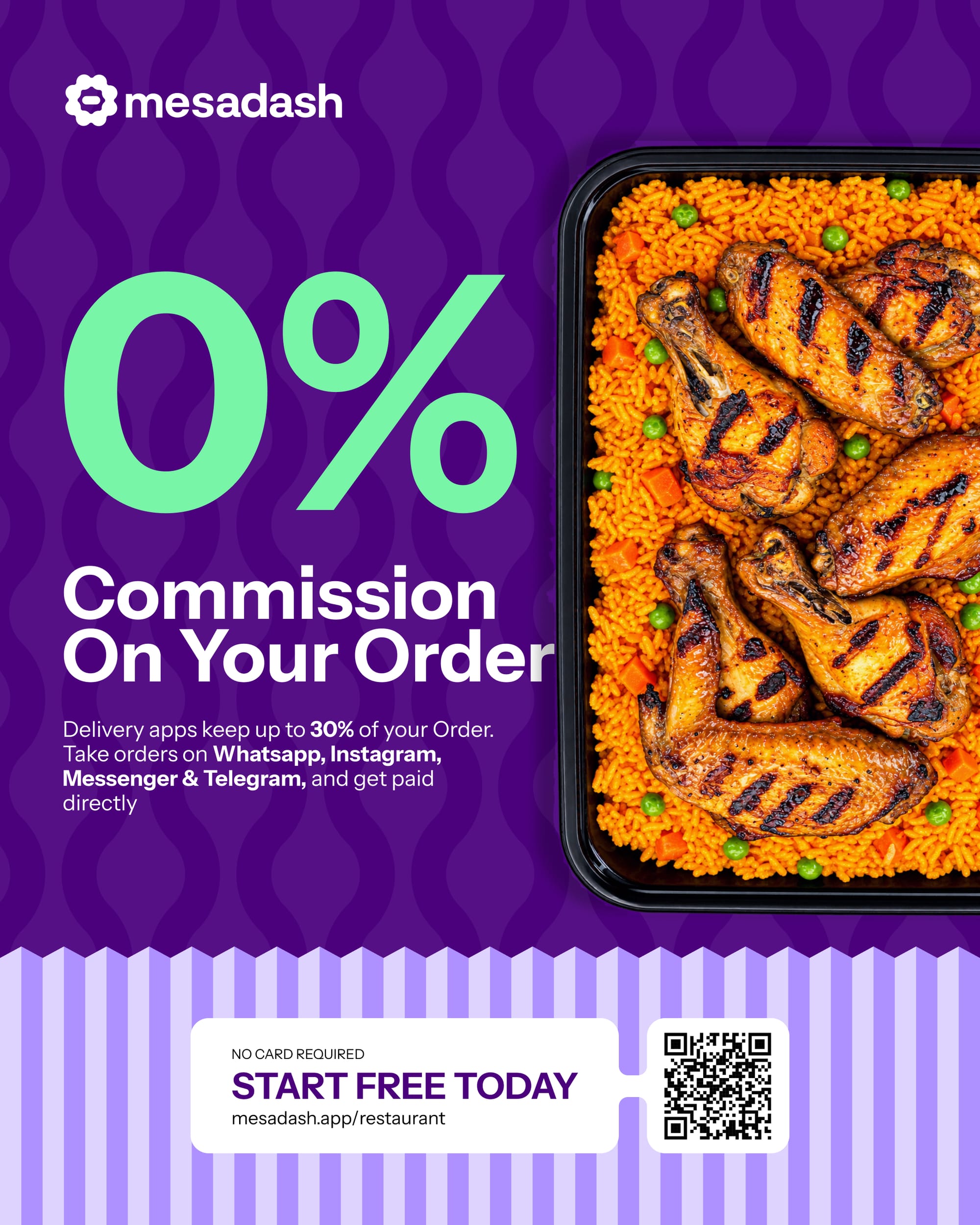
Online ordering should help a restaurant grow. It should not take ownership of the restaurant’s customers or remove a percentage from every sale.
Delivery marketplaces can help people discover food, but they are not the only way to receive online orders. A restaurant can also build a direct ordering channel one where customers browse its own menu, place orders through its own storefront and pay through a payment account controlled by the restaurant.
This guide explains how direct restaurant ordering works and how Mesadash helps restaurants manage menus, branches, payments, delivery and customer conversations from one platform.
What is a commission-free restaurant ordering system?
A commission-free restaurant ordering system allows a restaurant to accept direct orders without paying the ordering platform a percentage of every sale.
The restaurant pays for the software rather than surrendering part of each transaction. Payment processing or external delivery charges may still apply, but the ordering platform does not take a sales commission.
This model gives the restaurant greater control over:
- Its menu and prices
- Its brand and storefront
- Customer information and relationships
- Payment methods
- Delivery and pickup options
- Promotions and repeat orders
Instead of sending regular customers back to a marketplace, the restaurant can direct them to a storefront it controls.
Why restaurants need their own online storefront
A social-media page or messaging account makes a restaurant visible, but it is not a complete ordering system.
Customers still need a simple way to view the live menu, choose item options, select a branch, provide an address and complete an order. If every customer must type their entire order into a chat, mistakes become more likely and staff spend more time confirming basic details.
A restaurant storefront provides a structured path from discovery to checkout.
With Mesadash, a restaurant can create a public ordering page with:
- Menu categories and food images
- Item prices and descriptions
- Sizes, extras and other variants
- Branch selection
- A shopping cart
- Delivery details and fees
- Payment options
- Order confirmation and updates
The storefront opens in the customer’s browser, so there is no application to install. The restaurant can place its link in its social-media bio, print it on a flyer, connect it to a QR code or send it during a customer conversation.
One menu behind the storefront and customer chat
Maintaining different menus for a website and several communication channels creates unnecessary work.
Mesadash uses one catalogue behind the restaurant’s storefront and connected conversations. When the restaurant changes a price, adds an item or updates availability, customers receive information from the same source.
This reduces the risk of a customer seeing one price on the storefront and receiving another price in a conversation.
The digital menu can also reflect the structure of a real restaurant order. A meal may have different sizes, proteins, sides, toppings or extras. These options are presented clearly before the customer adds the item to the cart.
Manage orders across multiple branches
Multi-branch restaurants need more than a basic order form.
Prices, availability, delivery areas and staff may differ by location. Mesadash allows restaurant information and operations to be organised by branch, helping each customer order from the location that can actually serve them.
A restaurant can manage:
- Branch-specific menus and pricing
- Item availability by location
- Delivery zones and fees
- Customer branch preferences
- Staff access and responsibilities
- Order assignment and preparation
This gives the business one system while allowing each branch to operate with the correct information.
Accept payments through your own provider
The money from a direct order should go to the restaurant.
Mesadash supports payment options including Stripe, Paystack, Flutterwave, OPay, bank transfer and cash. Online payments are processed through the restaurant’s connected payment provider rather than being collected and held by Mesadash.
Mesadash does not take a percentage of the restaurant’s sales. Standard charges from the restaurant’s selected payment provider may still apply.
This structure gives the restaurant control over its payment account and a clearer view of how money moves from the customer to the business.
Connect delivery without giving up the customer
Direct ordering does not mean a restaurant must deliver every order itself.
A restaurant may use its own riders, arrange pickup or connect an external delivery option. The important difference is that the order begins with the restaurant’s own storefront and the customer relationship remains with the restaurant.
Delivery zones and fees can be included in the ordering process so customers know whether delivery is available and what it costs before completing checkout.
Keep customer conversations connected to orders
Chat is built into the Mesadash restaurant product. It is not a separate customer-support product.
When a customer has a question about an item, address, payment or active order, the restaurant can continue the conversation with the relevant context available. Staff do not have to treat the message as an unrelated enquiry.
Mesadash can connect conversations from channels such as WhatsApp, Instagram, Messenger and Telegram. These are optional communication channels connected to the restaurant’s ordering operation not the definition of the platform.
Orders placed through the public storefront and orders initiated from a connected conversation arrive in the same business workspace.
How the Mesadash AI assistant helps restaurants
The Mesadash assistant helps interpret routine customer messages and guide customers toward the correct action.
It can work with defined intentions such as:
- Browsing the menu
- Starting an order
- Checking an order status
- Asking about prices or opening hours
- Cancelling a request when permitted
- Reaching a member of staff
The assistant answers from information provided by the restaurant, including its menu, branches, prices, opening hours and policies.
It does not invent meals or claim that an action has been completed when it has not. Confirmations, payments and cancellations still pass through the platform’s normal checks. When the assistant is uncertain, it asks a short question or allows a person to take over.
How to start taking direct restaurant orders
1. Build your digital menu
Add menu categories, items, descriptions, images, prices and available options. Include the details customers normally ask about before ordering.
2. Set up your branches
Add every active location and configure its menu, availability, staff and delivery settings.
3. Connect your payment method
Choose a supported provider and connect the restaurant’s own payment account. You can also enable suitable offline options such as cash or bank transfer.
4. Configure delivery or pickup
Define delivery areas and fees, enable pickup where available and decide how orders will be assigned or fulfilled.
5. Publish and share your storefront
Add the restaurant link to Instagram, Facebook, Google Business Profile and other public pages. Place it behind a QR code on tables, menus, flyers, receipts and packaging.
6. Train customers to order directly
Encourage returning customers to use the direct storefront. Include the link in order updates and marketing messages so it becomes the easiest way to order again.
Benefits of direct online ordering for restaurants
A well-designed direct ordering system can help a restaurant:
- Keep more value from every order
- Build direct customer relationships
- Present a consistent menu and brand
- Reduce errors caused by unstructured messages
- Manage several branches from one platform
- Offer flexible payment and fulfilment options
- Turn conversations into structured orders
- Make repeat ordering easier
The goal is not simply to put a menu online. It is to connect the storefront, conversations and restaurant operations so each order moves through a clear process.
Frequently asked questions
Does Mesadash charge commission on restaurant orders?
No. Mesadash does not take a percentage of restaurant sales. The restaurant pays for the platform, while its chosen payment or delivery provider may charge separate service fees.
Do customers need to install an app?
No. Customers can open the restaurant storefront in their existing browser and place an order there.
Can a restaurant use Mesadash for multiple branches?
Yes. Mesadash supports branch-specific menus, pricing, availability, staff, delivery areas and customer preferences.
Can customers order from social and messaging channels?
Restaurants can connect supported channels such as WhatsApp, Instagram, Messenger and Telegram. The customer can begin a conversation there and move into the structured storefront to complete an order.
Can a restaurant use its own payment account?
Yes. Mesadash connects supported payment providers to the restaurant’s own account, so online payments settle through the provider selected by the business.
Does Mesadash provide a restaurant website?
Mesadash provides a public, browser-based restaurant storefront with the restaurant’s menu, branch selection, cart and checkout. It can be shared as the restaurant’s direct ordering link.
Start taking direct orders with Mesadash
Give customers a direct way to browse your menu, place an order and pay without sending every sale through a commission-based marketplace.
Visit mesadash.app to explore Mesadash for restaurants and start free.